

Description 3.5 Inch 480x320 TFT Display with Touch Screen
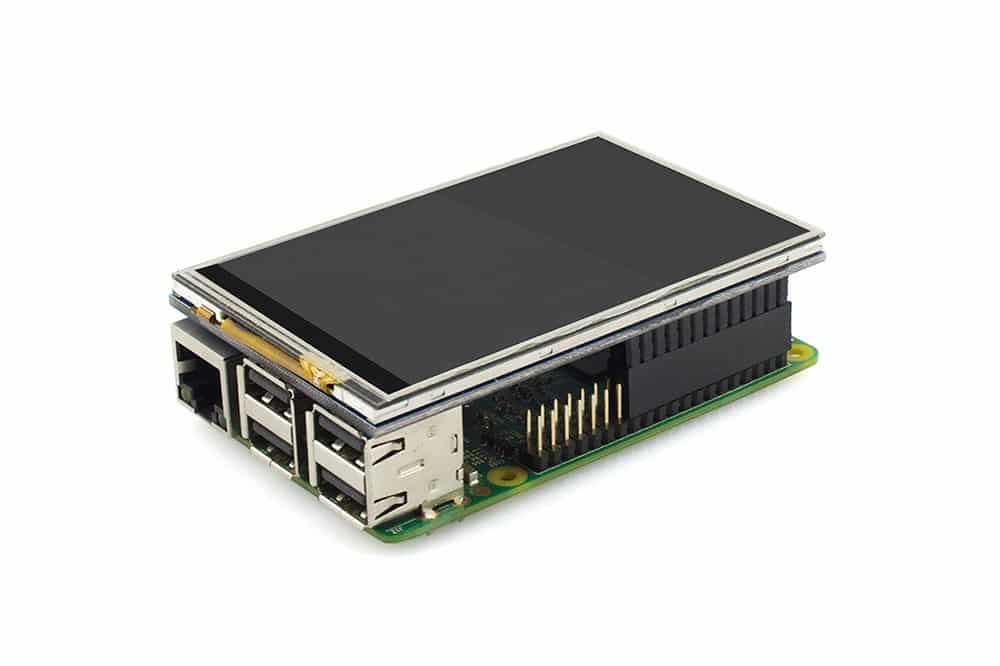
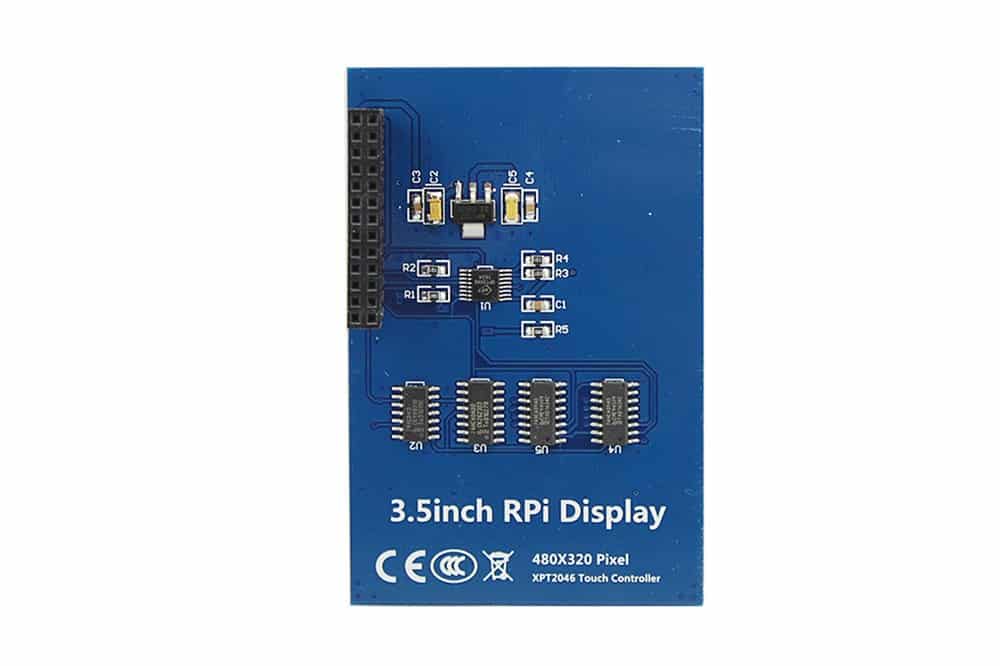
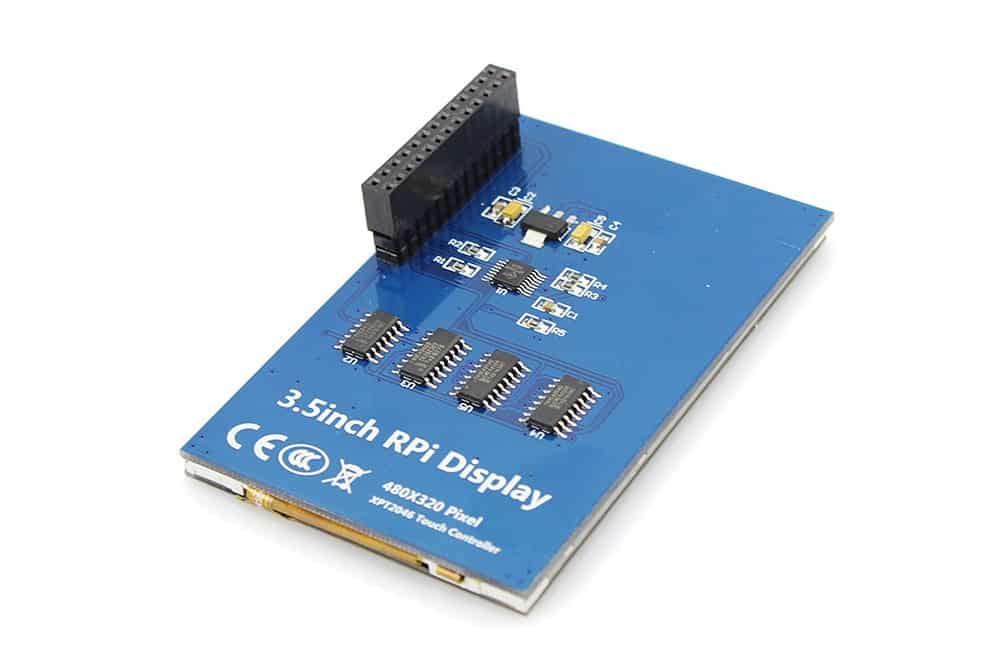
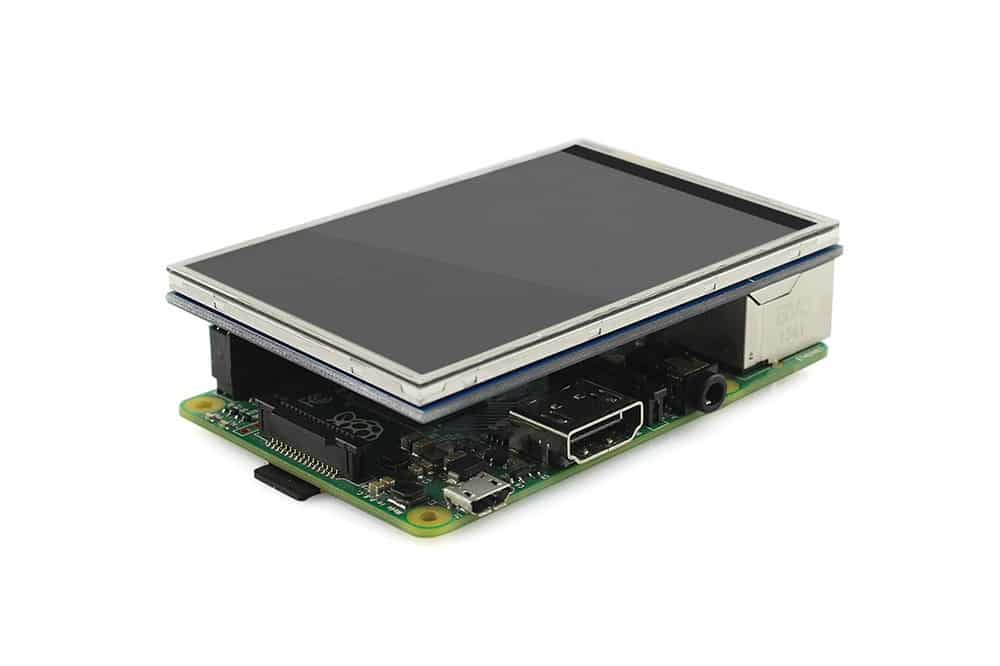
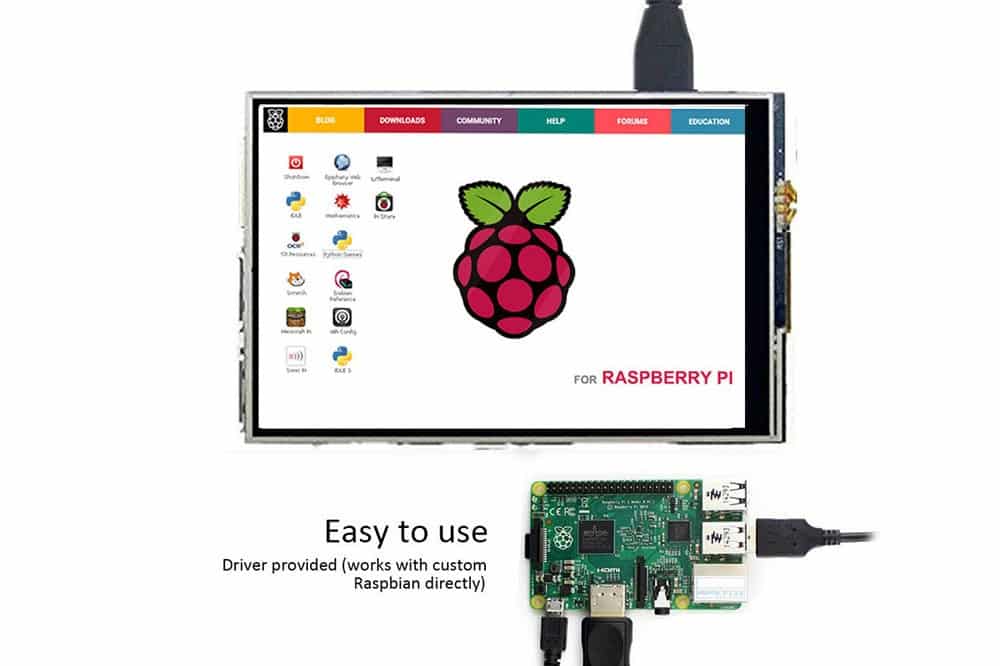
This small display fits perfectly on your Raspberry Pi . It consists of a 3.5 inch display with 480x320 16-bit color pixels and a touchscreen. The display is designed to fit both the Pi Model A/B, B ,2B,3B and newer versions. .
Installing the display:
Step 1:Download the Raspbian IMG https://www. raspberry pi.org/downloads/raspbian/ Step 2: Open terminal and Download the driver on RPI Run: git clone https://github.com/Elecrow-keen/Elecrow-LCD35.git Step 3: Install driver Run: cd Elecrow-LCD35 sudo ./Elecrow-LCD35
Features 3.5 Inch TFT Display
480x320 resolution
Universal 3.5” Display for Raspberry Pi
Compatible with Raspberry Pi A/B, B ,2B,3B and later versions
Works with Raspberry OS
The 3.5 Inch TFT Display features
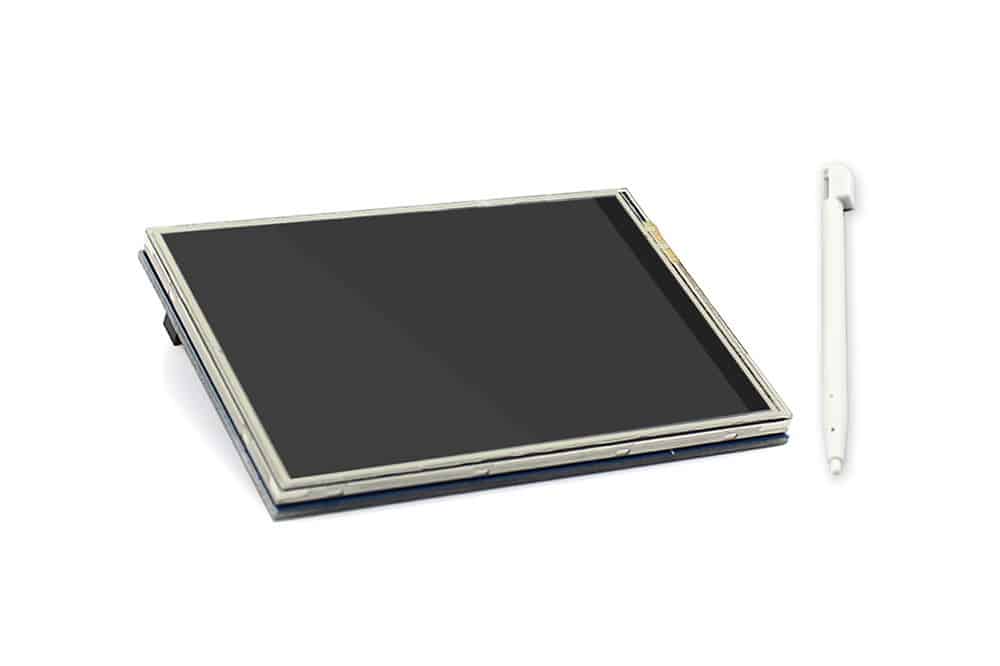
- 3.5 inch Touch Screen for Raspberry Pi x1
- Touch pen x1
Wiki & links
3.5 Inch 480x320 TFT Display with Touch Screen
SKU: RDI2004
- Order before 4:00 PM = shipped today
- Free shipping from €99.95
- 14 days free returns
Description 3.5 Inch 480x320 TFT Display with Touch Screen
This small display fits perfectly on your Raspberry Pi . It consists of a 3.5 inch display with 480x320 16-bit color pixels and a touchscreen. The display is designed to fit both the Pi Model A/B, B ,2B,3B and newer versions. .
Installing the display:
Step 1:Download the Raspbian IMG https://www. raspberry pi.org/downloads/raspbian/ Step 2: Open terminal and Download the driver on RPI Run: git clone https://github.com/Elecrow-keen/Elecrow-LCD35.git Step 3: Install driver Run: cd Elecrow-LCD35 sudo ./Elecrow-LCD35
Features 3.5 Inch TFT Display
480x320 resolution
Universal 3.5” Display for Raspberry Pi
Compatible with Raspberry Pi A/B, B ,2B,3B and later versions
Works with Raspberry OS
The 3.5 Inch TFT Display features
- 3.5 inch Touch Screen for Raspberry Pi x1
- Touch pen x1